Get Markdown
Turn any URL into clean markdown via the GET /read endpoint.
The getMarkdown endpoint converts a single web page into markdown that Large Language Models and humans can consume with minimal noise. It is ideal for quick pulls, cached refreshes, or building prompt-ready snippets.
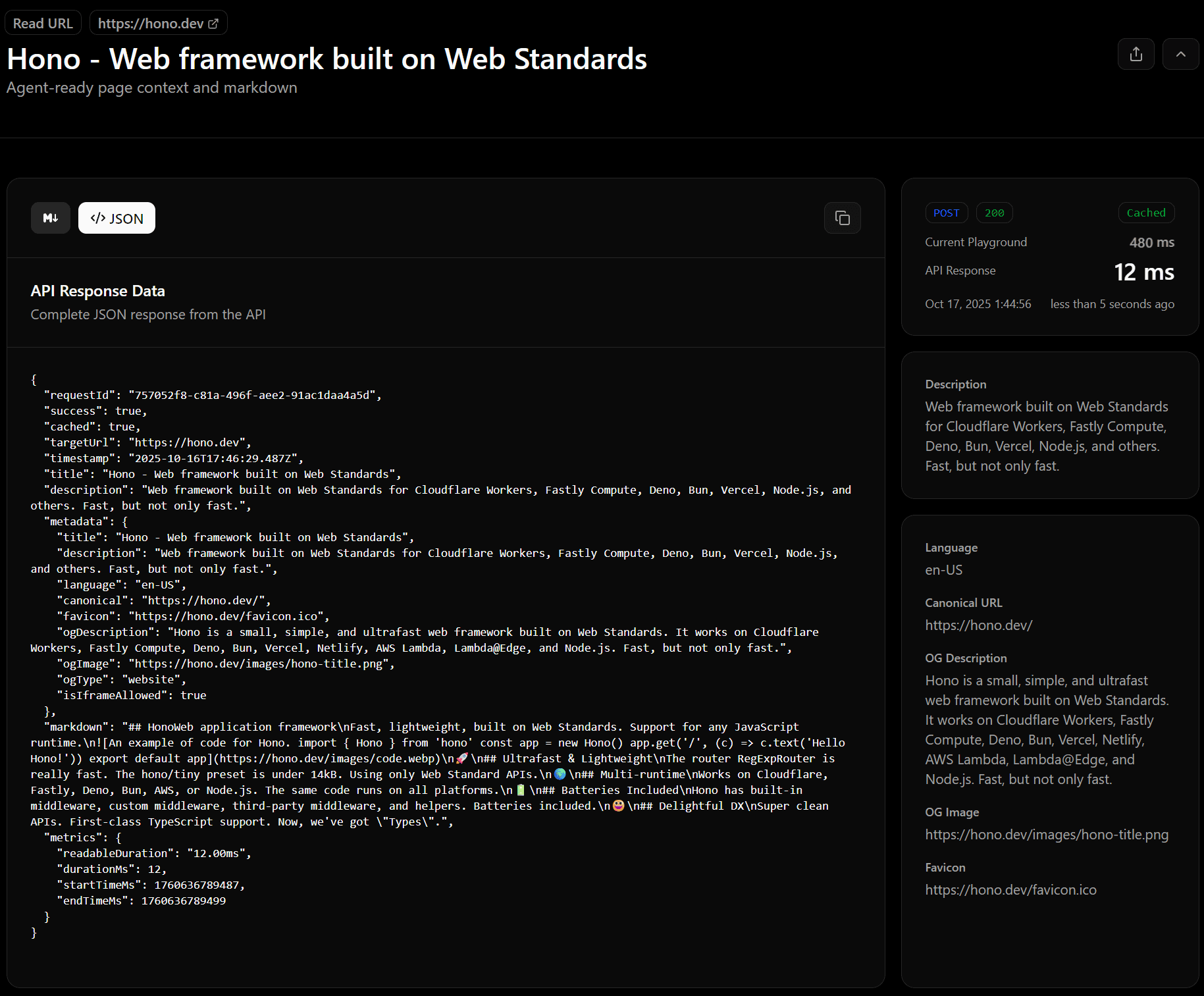
Real screenshot of getMarkdown from playground
When to use this endpoint
- You only need the markdown representation of a page (no metadata or link tree).
- The page is public and can be handled by Deepcrawl’s scraping pipeline.
- You want cached requests to return quickly on repeated calls.
For richer page context (metadata, cleaned HTML, robots, metrics), use readUrl. For multi-page link maps, see links endpoints.
Request formats
REST (GET /read)
curl \
  -H "Authorization: Bearer $DEEPCRAWL_API_KEY" \
"https://api.deepcrawl.dev/read?url=https://example.com&...getMarkdownOptions" // see below- Authenticate with an API key header or dashboard session cookies.
- Responses are returned as
text/markdown; charset=utf-8. - Add query parameters to control caching or markdown conversion (see options below).
Node SDK - getMarkdown()
import { DeepcrawlApp } from 'deepcrawl';

const deepcrawl = new DeepcrawlApp({
  apiKey: process.env.DEEPCRAWL_API_KEY as string,
});

const markdown = await deepcrawl.getMarkdown('https://example.com', {
 ...getMarkdownOptions,
});
Query parameters - GetMarkdownOptions
Prop
Type
Common tweaks:
cacheOptions.expirationTtl: cache window in seconds (minimum 60).cleaningProcessor: choosecheerio-reader(default) orhtml-rewriterfor GitHub-like pages.markdownConverterOptions: adjust bullet markers, inline links, data-image handling, etc.
Response - GetMarkdownResponse
The GET endpoint returns markdown as a string:
# Example Domain

This domain is for use in illustrative examples in documents.
If you need structured metadata or metrics, switch to the POST endpoint.
Logs & monitoring
- Every call appears in the dashboard Logs with path
read-getMarkdown. - You can export the stored markdown later via the logs export endpoint.
- Rate limiting errors surface as
RATE_LIMITED; retry after the suggested interval.
Tips
- Combine with the Playground to test options before coding.
- Share full run configurations by copying the playground URL (state is encoded via
nuqs). - Use caching for pages that change infrequently to save on crawl time and rate limits.
Need more context from the same page? Continue to readUrl for the full JSON payload.